 to expand the block manager.

Mondays are rubbish, I hear you. But sales are good, aren't they? With the latter in mind, Fanatical's three-day Super 6 Sale kicks off today—showcasing six deals per day, and discounting over 500 Steam games from now through Wednesday. Which isn't a bad way to bridge the blues till hump day.
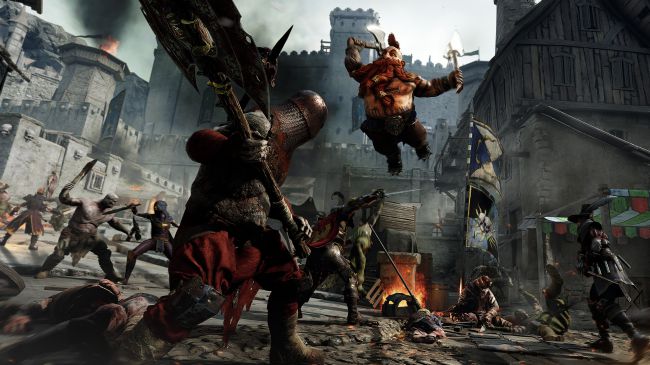
Warhammer: Vermintide 2 is my favourite of today's offerings, which is on sale for £18.39/your local equivalent with a 22 percent discount. Read Steven's warm words on the action slasher here, and check out his aptly-named 'Verminguide' series for tips on how to rule with an iron dagger.
Elsewhere, today's deals also boast Homefront: The Revolution—Freedom Fighter Bundle, which costs £5.39 with 82 percent off; X Egosoft Collection which costs £13.99 with 80 percent off; Injustice 2 which costs £23.99 with 43 percent off; Batman: Arkham Knight Premium Edition which costs £7.49 with 75 percent off; and the wonderful Metro Redux Bundle which costs just £4.04 with off 83 percent off. Given that last one comes with both Metro 2033 and Metro Last Light, that's a bloody good deal.
Check out Fanatical's Super 6 Sale in full this-a-way, and know that voucher code SUPER6 nets you an extra 6 percent off the displayed price.
In other Fanatical-flavoured discount news, the storefront has two 48-hour deals in the way of Lego: Marvel Avengers Collection and Lords of the Fallen: Game of the Year Edition—which come in at £5.49 (83 percent off) and £3.19 (87 percent off) respectively.
Recommended Comments
There are no comments to display.